
Search Knowledge Base by Keyword
Crypto Alerts on altFINS: The Complete 2026 Guide to Price, Filter, and Pattern Alerts
Last updated: September 2026 • Reading time: about 6 minutes
Crypto alerts are one of the most powerful features on the altFINS platform. They let you watch the market without watching the screen. Set the condition once, and altFINS tells you the moment a coin hits your price target, a technical indicator fires, or a chart pattern breaks out.
This guide covers every type of crypto alert you can create on altFINS, how alerts are delivered, and how to manage them all from one place. Whether you trade Bitcoin, Ethereum, or small cap altcoins, you will know exactly how to build an alert that fits your strategy by the end of this article.
Quick answer: what alerts can you set on altFINS?
Traders can create simple price alerts, filter (screener) alerts built from technical indicators, chart pattern alerts, candlestick pattern alerts, technical analysis alerts, and watchlist and portfolio alerts. Every alert can reach you through mobile push notifications, email, and directly on the website.
What is a crypto alert?
A crypto alert is an automated notification that fires when a market condition you define becomes true. Instead of refreshing charts all day, you tell altFINS what matters to you. When BTC / USDT reaches a resistance level, when RSI drops into oversold territory, or when an ascending triangle completes, the platform sends the signal straight to you.
Good alerts do two things well. They protect your time, and they protect your trades. You react to opportunities faster, and you stop missing setups that appear while you are away from the desk.
The 6 types of crypto alerts on altFINS
| Alert type | Best for | Skill level |
|---|---|---|
| Simple price alerts | Support, resistance, and target levels | Beginner |
| Filter (screener) alerts | Indicator combinations like EMA crossovers and RSI | Intermediate |
| Chart pattern alerts | Breakouts and emerging patterns | Intermediate |
| Candlestick pattern alerts | Reversal and continuation signals | Intermediate |
| Technical analysis alerts | Analyst trade setups on large cap altcoins | All levels |
| Watchlist and portfolio alerts | Coins you already hold or track | All levels |
1. Simple price alerts
The fastest alert to set up. Choose a coin, pick a condition, and get notified. You can trigger on a fixed price level or a percentage change.
- Price level: get alerted when a coin reaches a specific price, for example BTC / USDT at 100,000.
- Percentage change: track sharp moves, for example a 10 percent jump or drop in a session.
This is ideal for monitoring resistance breakouts and support breakdowns. Once you identify your key levels, set a price alert and let altFINS do the watching. Read the full walkthrough on simple price alerts.
2. Filter (screener) alerts
Filter alerts are where altFINS gets powerful. You build a custom screen from technical indicators, then turn that screen into an alert. Think price and SMA crossovers combined with an RSI value, or a bullish EMA (10) / EMA (20) crossover.
How to set it up:
- Use a pre-defined screen or create your own custom screen on the Crypto Screener.
- Click the alert icon to activate the alert.
- Receive results for your chosen time interval, for example hourly 1h bullish crossovers.
See the step by step guide on how to create an alert from a screen.
3. Chart pattern alerts
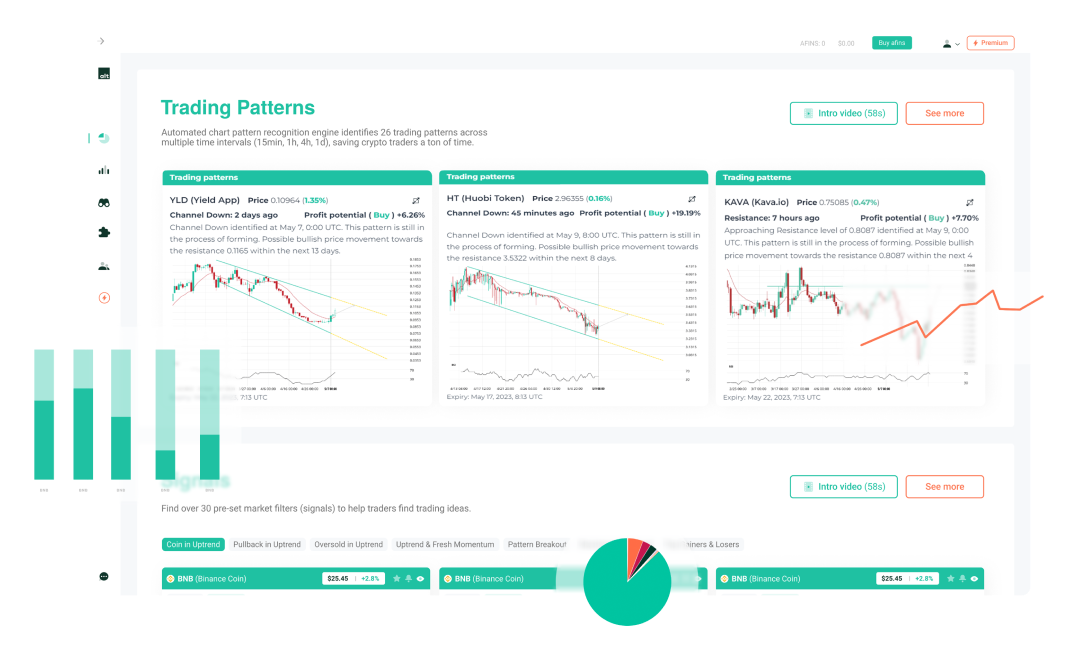
altFINS automatically detects chart patterns across thousands of coins. Set an alert and you get notified when a pattern forms or breaks out, so you never scan charts manually again.
- Open the Chart Patterns section.
- Select a pattern type, then filter by result type (all, breakout, or emerging).
- Choose direction (buy or sell) and exchange (Binance, Kraken, and more).
- Save the alert and monitor it in the Alerts Management area.
Full tutorial: how to set up chart pattern alerts.
4. Candlestick pattern alerts
altFINS supports alerts for 36 popular candlestick patterns, including Bullish Harami, Evening Star, and Inverted Hammer. Select your pattern through the Signals Summary or the Crypto Screener, then activate the alert.
5. Technical analysis alerts
altFINS analysts publish trade setups for more than 65 large cap altcoins. You can receive updates filtered by:
- Asset selection from 65 altcoins.
- Near term outlook: bullish, bearish, or neutral.
- Pattern type from 24 options and pattern stage (emerging or breakout).
Explore the Technical Analysis section, or read more about technical analysis alerts.
6. Watchlist and portfolio alerts
Apply any alert type to the coins you already hold or track. Price alerts, filter alerts, and pattern alerts can all be scoped to your watchlist, your portfolio, or both, so you focus only on positions that matter to you.
Details here: watchlist and portfolio alerts.
How to set a simple price alert (step by step)
Setting a crypto price alert takes under a minute:
- Open the coin you want to track on the Crypto Screener or its detailed chart view.
- Identify your support and resistance levels.
- Choose a price level alert or a percentage change alert.
- Enter your target value and save.
- Pick your delivery method: push, email, or website.
That is it. altFINS now watches the level for you and fires the moment price gets there.
How to create a complex alert from a screen
Complex alerts always start with a screen. Build a filter that combines the indicators you trade, for example a MACD buy or sell crossover, then create the alert directly from that screen. A common example is an alert for MACD (12, 27, 9) signal line crossovers on ADA.
- Create or open a screen on the Crypto Screener.
- Add your indicators, for example MACD, RSI, or an EMA crossover.
- Select your time interval before saving.
- Click the alert icon to turn the screen into a live alert.
Important: mind your time interval
An alert only works with the time interval selected on the screen. If you want to be notified of a bullish EMA (10) / EMA (20) crossover on the 1h interval, make sure 1h is selected. You will then receive hourly alert emails with results for that screen. Choose the daily interval, and you get one result set per day.
How you receive alerts
altFINS delivers every alert through three channels, so a signal reaches you wherever you are:
- Push notifications: instant alerts on the altFINS mobile app. Read the guide on push notifications on mobile.
- Email alerts: make sure alerts are enabled in your profile settings.
- Website notifications: view and manage everything on the platform.
Push notifications not arriving?
- Confirm app notifications are enabled on your device.
- Reinstall the mobile app if the issue continues.
- Contact support if you still need help.
How to manage your crypto alerts
The Alerts Management area gives you full control in one place. From there you can:
- Review past alerts and their history.
- Enable or disable any alert.
- Adjust alert settings as market conditions change.
Open your Alerts Management dashboard to get started.
Get push notifications on mobile
Download the altFINS mobile app to receive push notifications and stay on top of your crypto investments, even when you are away from your desk.

Download on the App Store
Get it on Google Play
Frequently asked questions
Are crypto alerts on altFINS free?
altFINS offers alert features across its plans. To see current limits and pricing, visit the altFINS pricing page.
How many crypto alerts can I set at once?
You can run multiple alerts across price levels, screens, and patterns at the same time, and manage them all from the Alerts Management area. Watch video.
Why am I not receiving my alerts?
Check that email alerts are enabled in your profile settings, and that push notifications are turned on for the mobile app. If push alerts still fail, reinstall the app or contact support.
What is the difference between a price alert and a filter alert?
A price alert triggers on a single condition such as a price level or percentage change. A filter alert triggers on a screen that can combine several technical indicators, so it is better suited to strategy based scanning.
Ready to create your first alert?
Set a price target, build a screen, or track a pattern in minutes. Let altFINS watch the market while you trade with a plan.