


AI Trade Setups Are Now in the altFINS API
Last updated: November 24, 2026 | By altFINS Research Team | Reading time: 3 min
Read the step-by-step guideOpen the API documentation
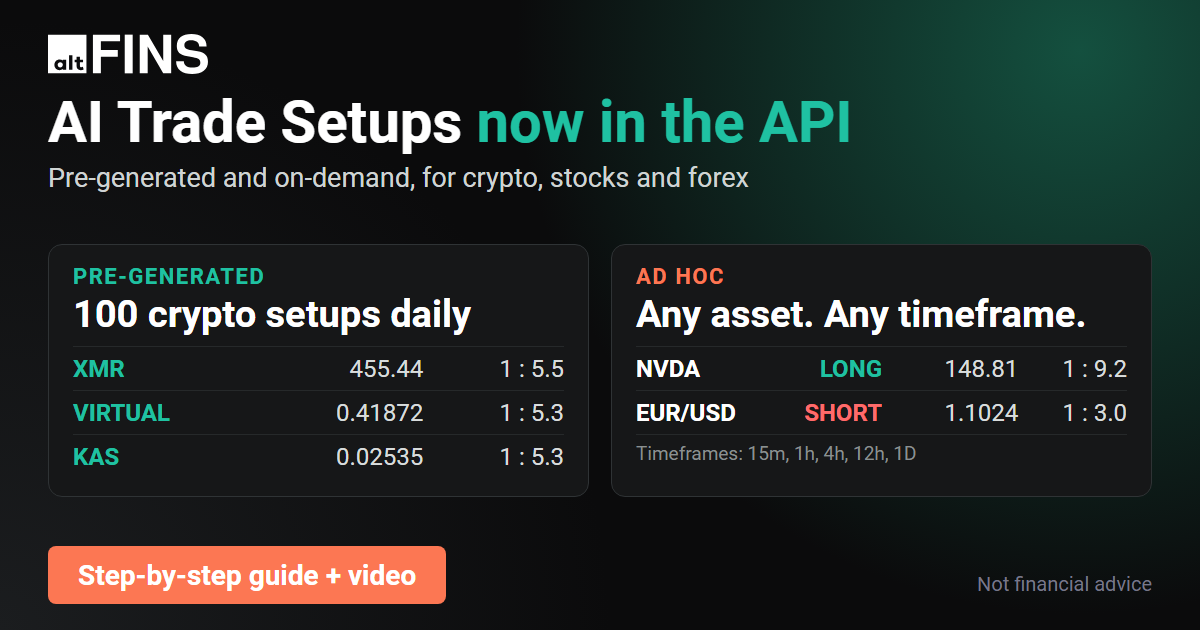
Until now you could read AI Trade Setups in the altFINS platform. Today we are making them available in the altFINS API, so you can pull them into your own tools, scripts and AI assistants.
Watch Tutorial Video
Two ways to get AI Trade Setups
| Pre-generated | On demand | |
|---|---|---|
| Coverage | 100 crypto setups every day | Any crypto, stock or forex pair |
| Timeframes | Daily | 15 minutes, 1 hour, 4 hours, 12 hours, daily |
| Freshness | Refreshed shortly after midnight UTC | Generated when you ask |
| How it is paid | API credits | AI Trade Setup prompts from your monthly allowance |
What is in a setup
- The trade: direction (long, short or none), entry, stop loss, two profit targets, risk/reward and confidence.
- The reasoning: a short summary and the analysis behind it, with trend scores, support and resistance, SMA 50 and 200, RSI and relative volume.
- The full report: one more call returns the rationale and the risks that would invalidate the setup.
When the market has no clean setup, the direction is NONE and the summary explains why. The AI does not force a trade.
Use them where you work
AI Trade Setups are plain REST calls. Use them in your own app, in Python or PowerShell, with the altFINS CLI, or ask an AI assistant such as Claude or ChatGPT to call the API for you. No MCP server is needed.
Keep your API key out of the chat. We do not recommend pasting it into a conversation. Save it once on your computer and tell your assistant to use it from there. The step-by-step guide shows how.
Stocks and forex symbols
| Market | Symbol format | Example |
|---|---|---|
| Crypto | Plain ticker | BTC |
| Stocks | Ticker | NVDA |
| Forex | Pair | EUR/USD |
Use the symbol exactly as the altFINS platform shows it: BTC for crypto, NVDA for stocks and EUR/USD for forex, with the slash. No prefix is needed. If a ticker names both a stock and a crypto asset, the stock is used. Add assetType=CRYPTO to get the crypto asset.
Good to know
- API plans start at $39 per month. The free Basic plan does not include AI Trade Setups. See the API plans.
- Generating a setup can take up to a minute. If it is not ready, you get a pending status. Do not repeat the request.
- Stored setups can be read again at any time with the
createdBy=MEfilter, without using another prompt.
Get your first AI Trade Setup
Read the guide, get your API key and pull a setup in minutes.
AI Trade Setups are analysis tools for information only. They are not financial advice. Trading involves high risk.
 Written byLenka Fetyko
0 Comments
Leave a comment